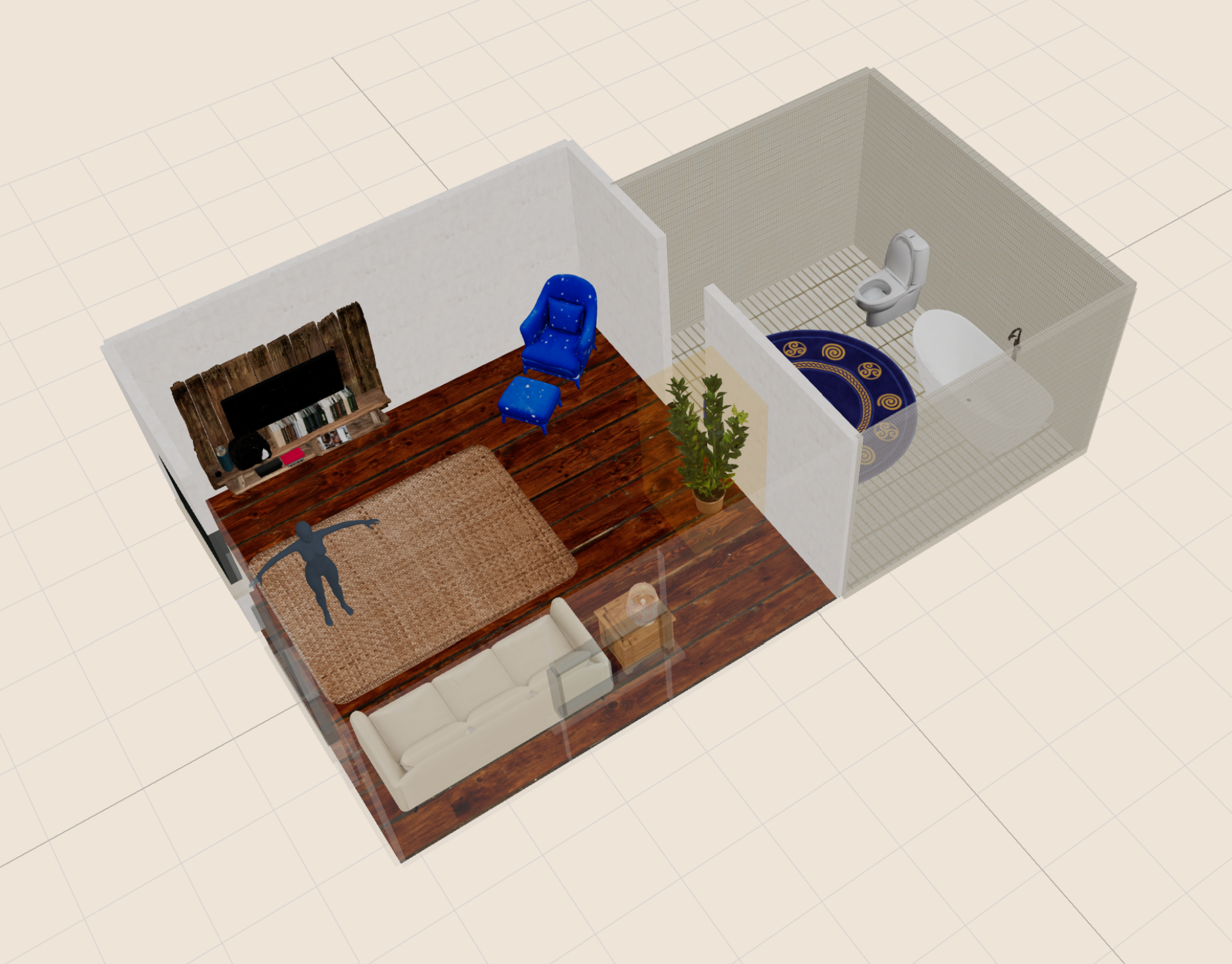
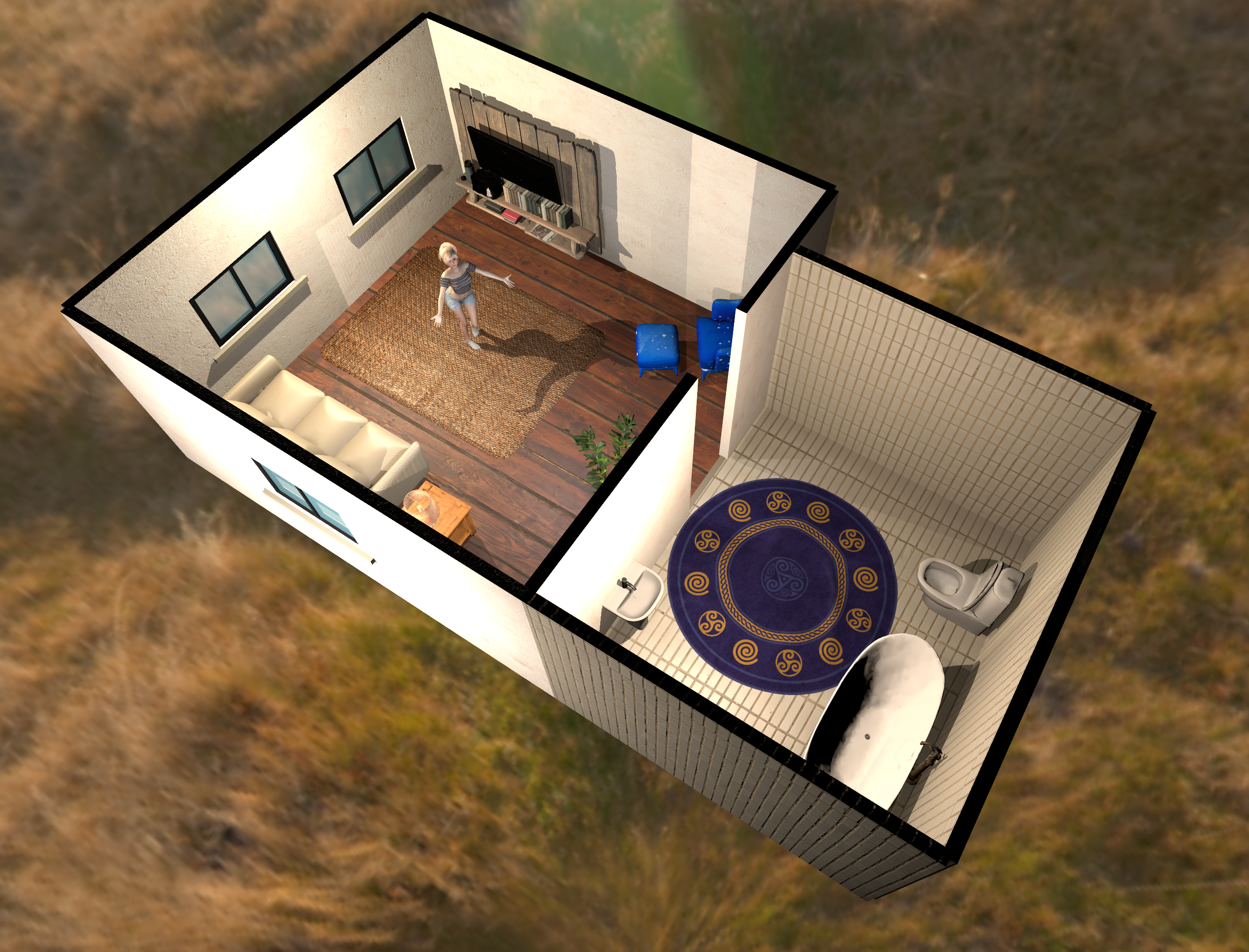
Build rooms that look finished, not improvised.

VaM Apartment Builder lets you sketch an apartment, furnish it, tune materials, place custom objects and export the whole thing straight into Virt-A-Mate. This page unlocks access for active Patreon supporters.

From layout to VaM package Generate rooms, place assets, build colliders and export with the structure already in place.
Custom object workflow Bring in your own furniture, carpets and decor, then reuse them in future layouts.
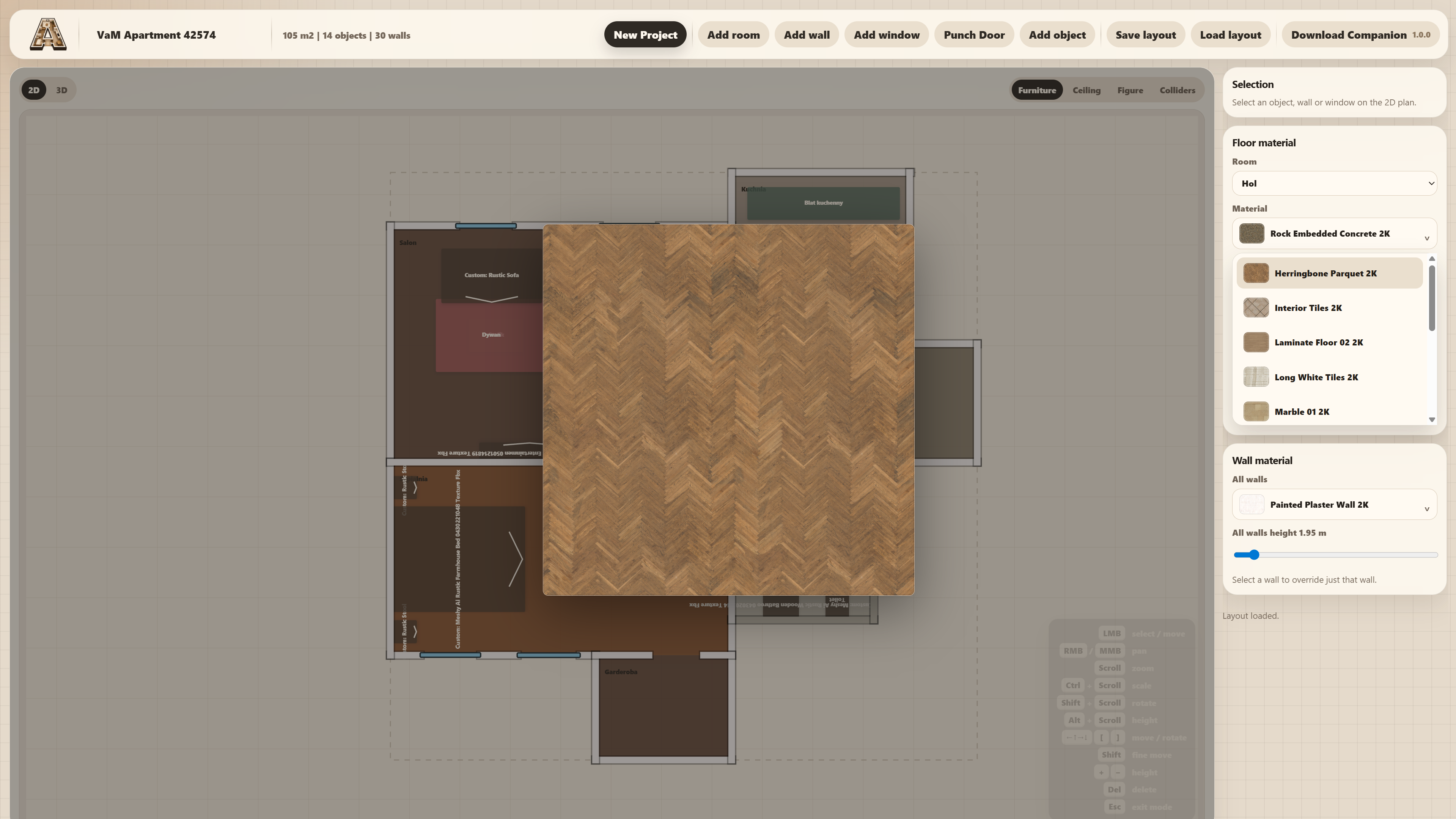
Material and room control Fine tune floors, walls, ceilings, room count and the overall apartment feel.
Built for iteration Move faster when testing ideas, changing proportions and polishing scenes for release.

Patrons only. Not a patron yet? Join here.

Scroll for details
Why it matters

A cleaner pipeline from idea to usable scene.

This is not just a random generator. It is a practical scene-building tool for people who want apartments to come together quickly without losing control over layout, furnishing, materials or final export quality.

VaM in mind From the very beginning, you don't need to think what will work properly.
Custom Import your own objects and keep using them across projects.
1-click Once finished you creation goes directly into your VaM folder with a single click.
Core features

Made to save time without making the output feel generic.

The builder gives you structure fast, but still leaves room for taste: object placement, floor and wall materials, imported content, collider editing and a final package flow aimed at actual scene work.

01

Procedural apartment layouts

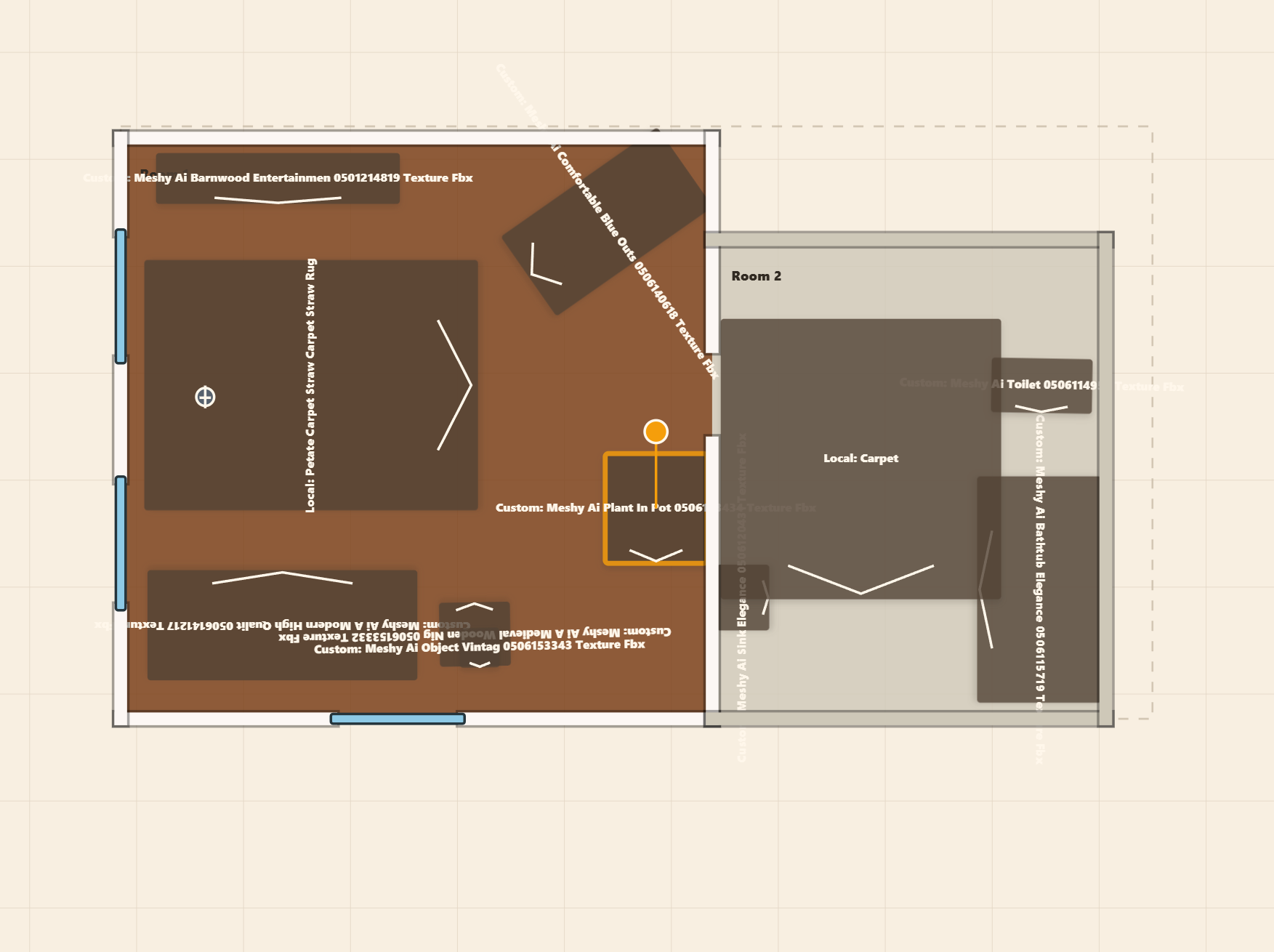
Generate room arrangements quickly, then keep refining rather than starting from an empty canvas.

02

Furnishing that you can actually adjust

Use automatic placement as a starting point, then move, rotate, scale and replace objects as needed.

03

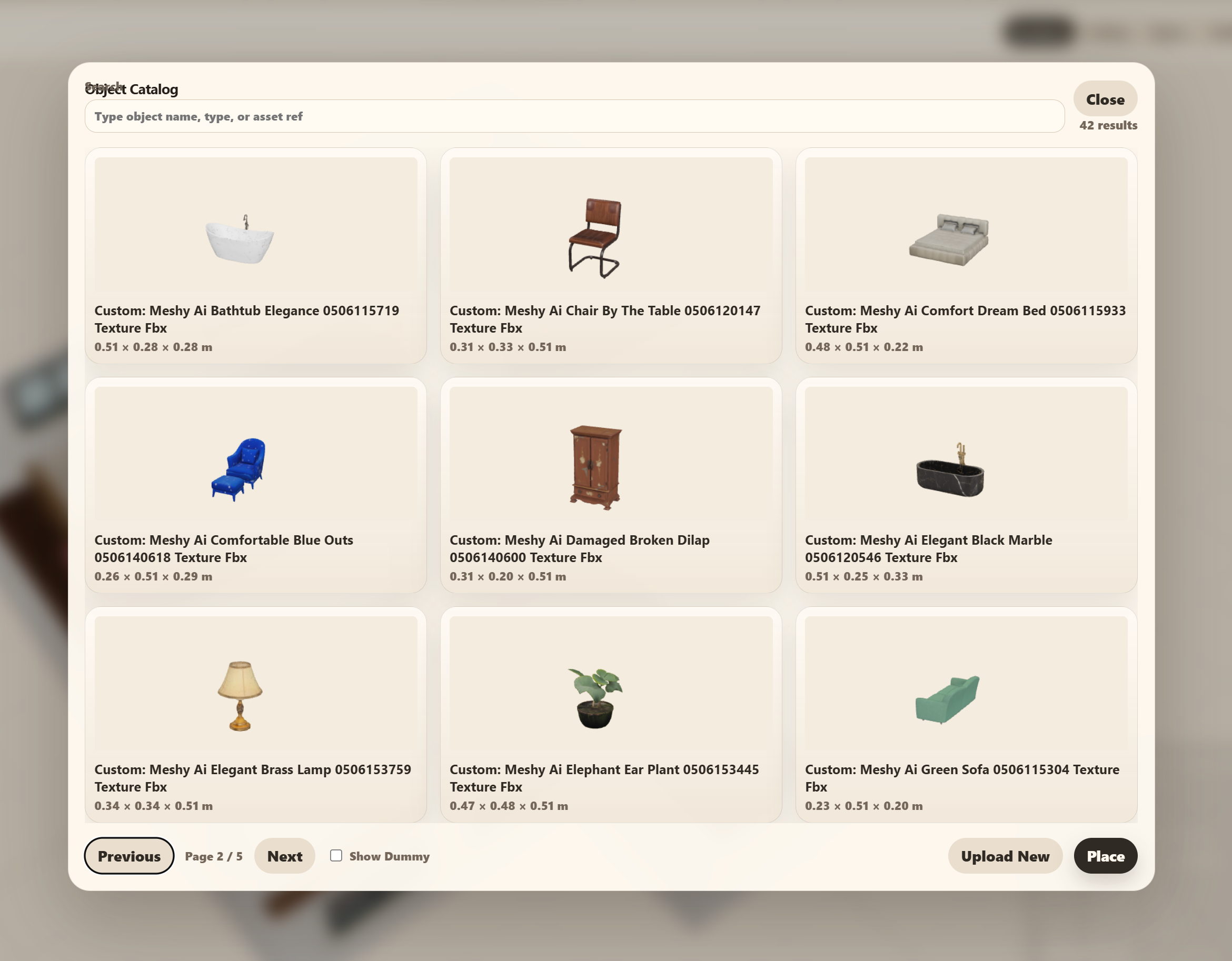
Custom asset catalog

Bring in your own FBX, OBJ or GLB objects and keep them available for later projects.

04

Material styling per space

Swap floor, wall and ceiling materials until each room lands in the right visual direction.

05

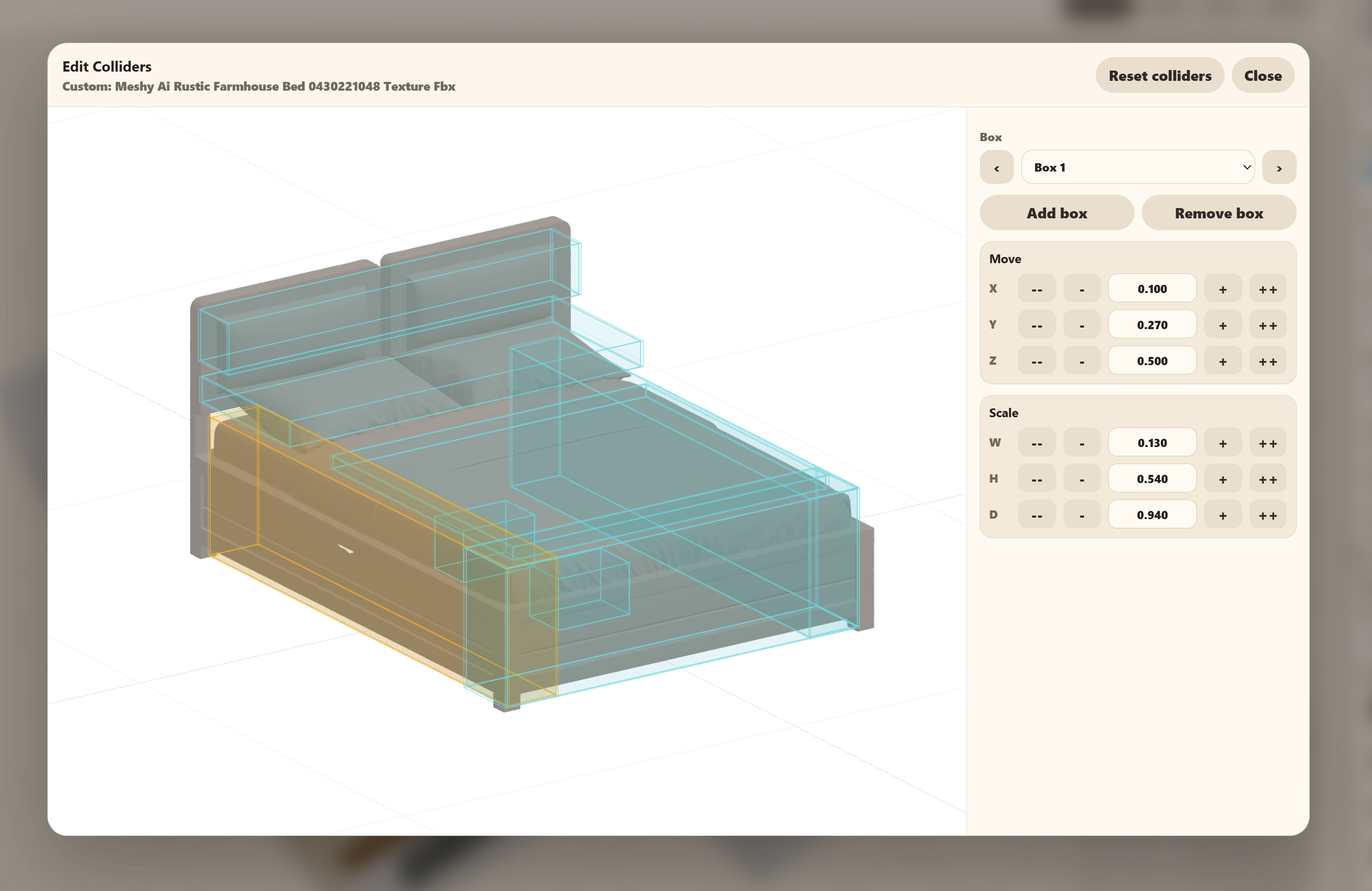
Collider editing tools

Inspect and refine collider boxes when a custom object needs more accurate interaction boundaries.

06

Export path aimed at VaM

Package geometry, metadata and object references in a flow that is built around getting scenes out.

✦ New — Browser VR

Step inside your apartment and finish it in VR.

No more jumping between VAB and VaM to check scale, tweak placement or fix a collider. Launch VR directly from your browser, walk the space and make every call on the spot — then export when it actually looks right.

VR wrist menu with all tools Wrist Menu

Every tool one wrist-flip away

Undo, delete, catalog, gravity toggle, texture painter and collider editor live on a single panel. Full locomotion keeps you free to walk the entire space without ever leaving VR.

VR texture painting palette for walls and floors Texture Painter

Paint walls and floors in-place

Open the material palette, browse textures at room scale and point to apply. No more guessing how a pattern reads from head height — you see the result exactly as it will land.

VR collider editor panel next to a sofa Collider Editor

Dial in colliders without leaving the scene

Position and resize collider boxes directly against real geometry. What you see is what VaM will use — no blind editing, no re-exports to check fit.

VR floating object catalog with local models Object Catalog

Place objects from a floating catalog

Browse your local library and live Sketchfab results from inside VR. Select, grab and drop objects exactly where they belong, then use Gravity to snap them cleanly to the surface below.

VR catalog with microphone voice search active Voice Search

Search the catalog with your voice

Tap Mic, say what you are looking for and the results filter instantly. No controller typing, no pulling off the headset — just ask for a chair and find one.

Workflow

Simple enough to start fast, deep enough to keep polishing.

1. Shape the apartment

Generate a layout, adjust room setup, add windows, walls and openings until the base structure works.

2. Style and furnish it

Choose materials, browse the object catalog, import custom pieces and place everything where it belongs.

3. Refine and export

Tune colliders, review the composition in 3D and move into export once the scene feels production-ready.

Access

Unlock the builder through Patreon and start creating.

If you are already supporting the project, log in with Patreon to continue. If not, you can join first and come right back here. The goal is to keep improving the tool while giving supporters immediate access to the work.